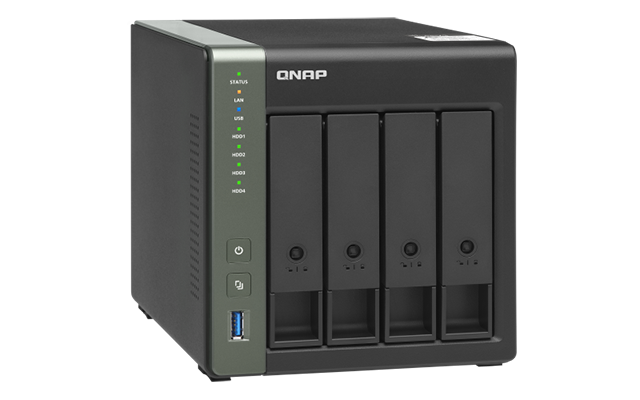
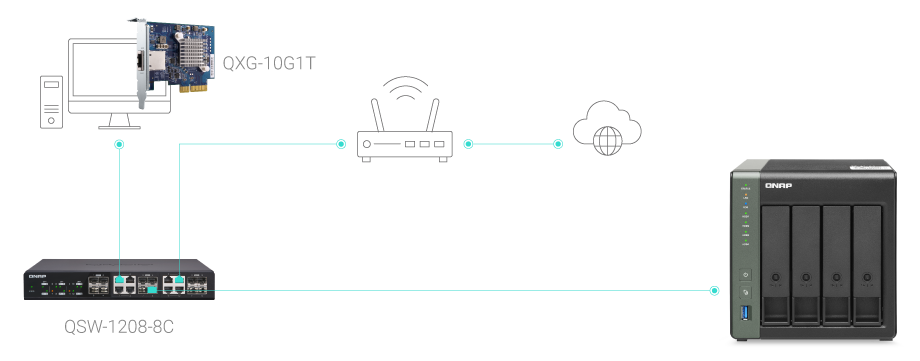
High-speed 10GbE and 2.5GbE connectivity
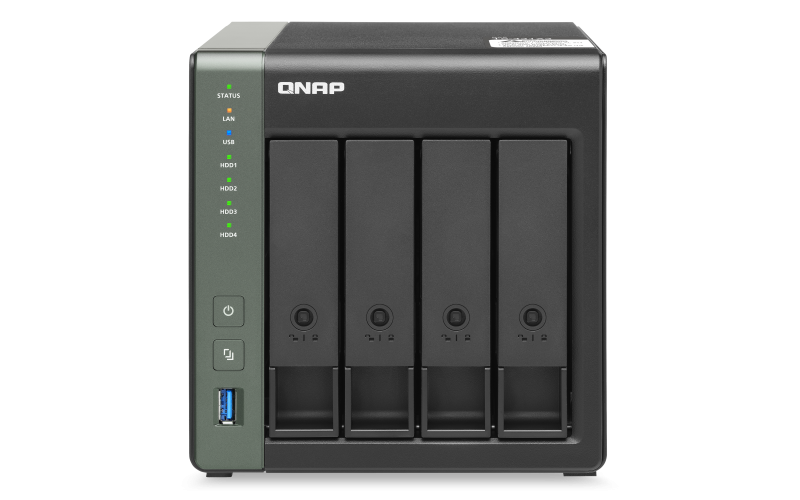
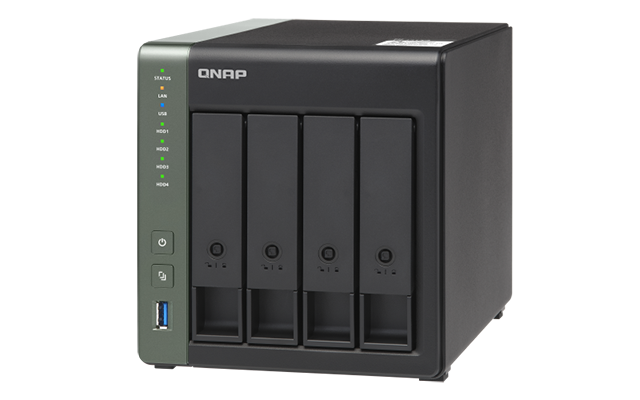
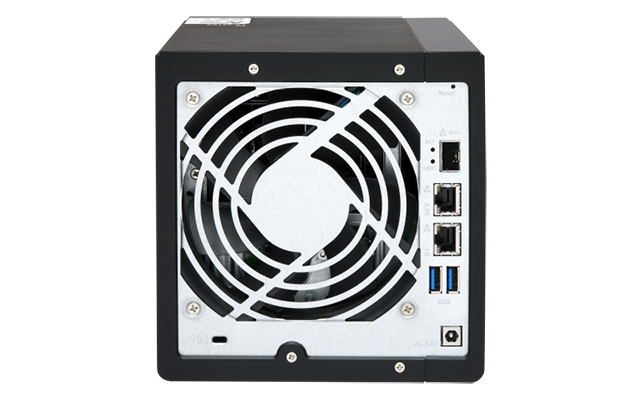
Powered by AnnapurnaLabs AL-314 quad-core 1.7 GHz processor with 4 GB DDR3L RAM (expandable to 8 GB), the TS-431X3 features one 10 GbE SFP+ port, one 2.5 GbE RJ45 port and one Gigabit port, allowing you to enjoy higher transfer speeds using existing CAT5e or CAT6 RJ45 cables in your network environment. Coupled with QNAP QSW series network switch, you can easily build a high-speed network affordably. You can also use your laptop with a QNAP USB 3.2 Gen 1 to 5GbE adapter (QNA-UC5G1T) or your desktop computer with a QNAP 5 GbE network expansion card (QXG-5G1T-111C) and directly connect to the TS-431X3’s 2.5GbE port to enjoy 2.5 times faster transfer speeds.
Easily Create a High-speed Network Environment
10GbE improves overall network performance and everyday tasks with ten times the bandwidth of 1GbE. From 10GbE NAS, to switches, to network adapters, QNAP provides a complete range of everything needed to upgrade to 10GbE environments.
Multi-point file backup, access and sync
HBS (Hybrid Backup Sync) consolidates data backup, recovery, and synchronization, coupled with high-speed 10GbE and 2.5GbE connectivity of the TS-431X3, allowing you to easily backup or sync data to another QNAP NAS, remote server or cloud storage to build a reliable disaster recovery solution. Qsync turns the TS-431X3 into a secure, high-capacity data center for file synchronization. Any file uploaded to the TS-431X3 will be made available for all linked devices, such as computers, laptops, and mobile devices. You can also sync shared folders or create team folders to enhance team collaboration.
Protect data against malware with Snapshots
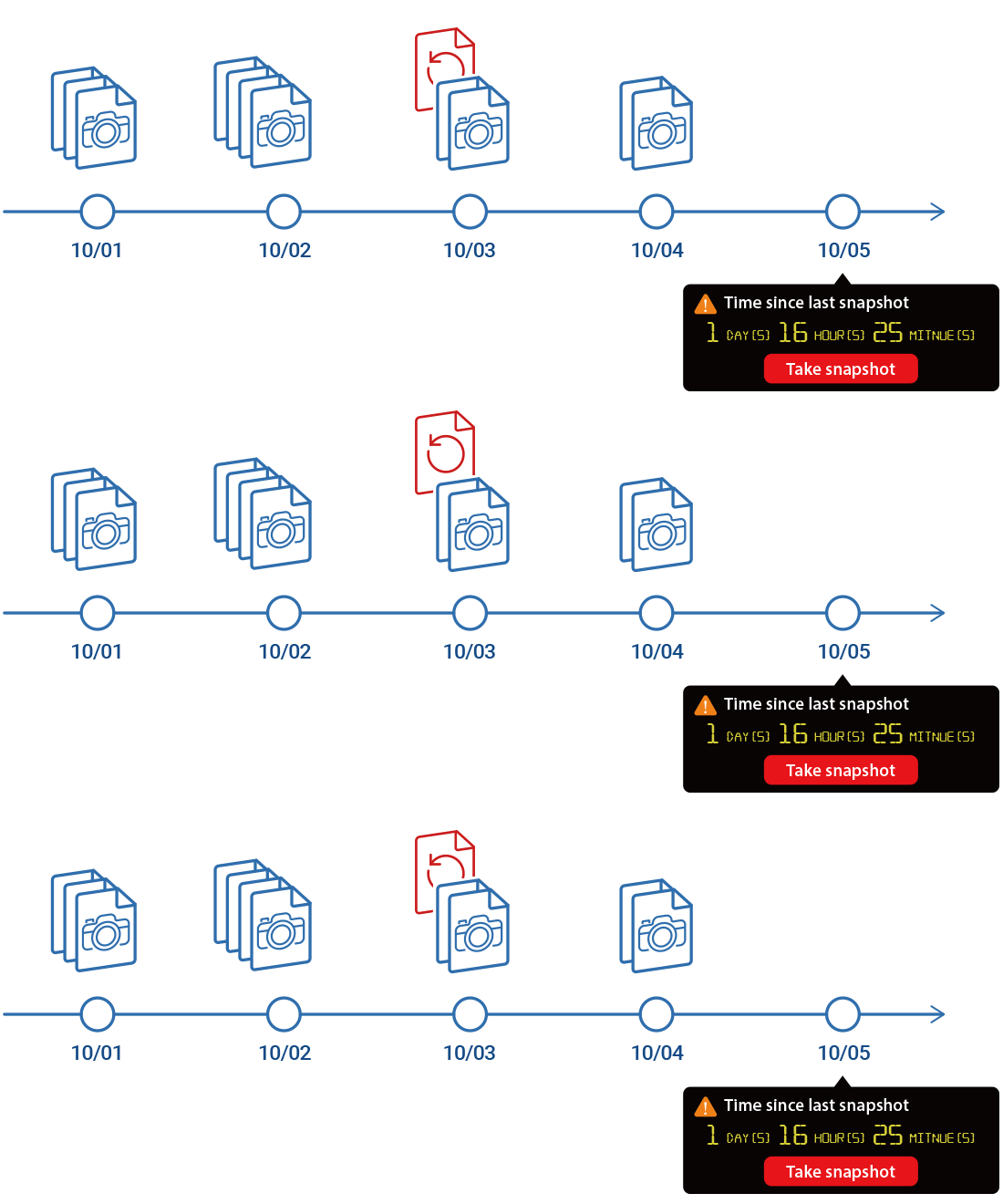
Snapshots help protect your data by fully recording the NAS system state and metadata. If a file is accidentally deleted or modified, you can use snapshots from the Storage & Snapshots Manager or the File Station to quickly restore files to its previously-recorded state. QNAP snapshots are block-based and only record changed data. Not only does this save storage space, but it also reduces time required to back up and restore data. The TS-431X3 supports up to 64 snapshots per volume/LUN, and up to 256 snapshots in total.
Boost productivity with QNAP applications
QNAP File Station provides centralized file management allowing you to view and manage files on your TS-431X3 and other storage sources or devices. Qfiling helps automate file organization, and Qsirch can make your file searches faster. You can also use Qfile mobile app to access NAS files from a mobile device.

Qfiling
Qfiling automates file organization. Files are automatically archived into folders based on your settings.

Qsirch
Qsirch quickly finds images, music, videos, documents, emails, and other files by using keywords, colors and different filters.

Qfile
Qfile mobile app allows you to access NAS files from a mobile device anytime anywhere, and upload and backup files on your phone to a NAS.
Protects your sensitive data with file encryption
When sharing sensitive or confidential files on your TS-431X3, you can enhance data security by using File Station to encrypt them into .qenc files and set a password. The file recipients need to download and install QENC Decrypter on their computers and enter the correct password to decrypt, view and use encrypted .qenc files.
Note: Computers are required with Windows 8 (or later) OS and macOS 10.12 (or later) OS.
Take full control of NAS system status and data security
Notification Center consolidates all QTS system events and alerts, providing you with a single-app solution for notifications. Security Counselor can evaluate and recommend TS-431X3 security settings to improve NAS security.
Stay informed at all times
The Notification Center offers a single-app solution for notifications of the QTS system events and alerts. You don’t need to configure settings in different apps, helping you streamline management processes and save time.
NAS security portal
Security Counselor checks for weaknesses and offers recommendations to secure your data against multiple attack methods. It also integrates anti-virus and anti-malware software to ensure complete protection of your QNAP NAS.
Host container applications
Container Station integrates both LXC and Docker® lightweight virtualization technologies. You can download apps from the built-in Docker Hub®, easily import or export container apps, manage access controls and rapidly deploy application services across several platforms including the cloud, servers, and PCs.
Flexible and economical storage expansion
QNAP provides easy storage capacity expansion solutions. Here are several ways to expand your NAS storage as needed to accommodate data and business growth:
Attach Expansion Enclosures
Connect 2 RAID expansion enclosures (TR-004, TR-002 or TL-D800C) and use the QTS Storage & Snapshots Manager to easily handle NAS capacity expansion.
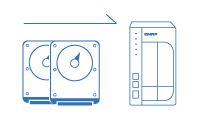
Upgrade RAID Capacity
Hot-swap lower-capacity drives with larger-capacity drives to expand your QNAP NAS capacity so it can grow with your business.
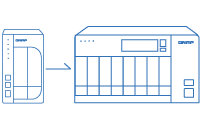
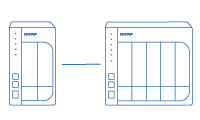
Migrate to a New NAS
Install your NAS hard drives into a larger QNAP NAS and retain all your existing data and configurations.
Extend hardware warranty up to 5 years
The TS-431X3 is backed by a 2-year warranty at no extra cost. You can purchase a warranty extension to extend your warranty coverage up to five years.